How to Use RecipeBook
A quick tour of the features that make cooking easier: search, a ready-made menu, guided cook mode, and a shopping list that remembers what you need.
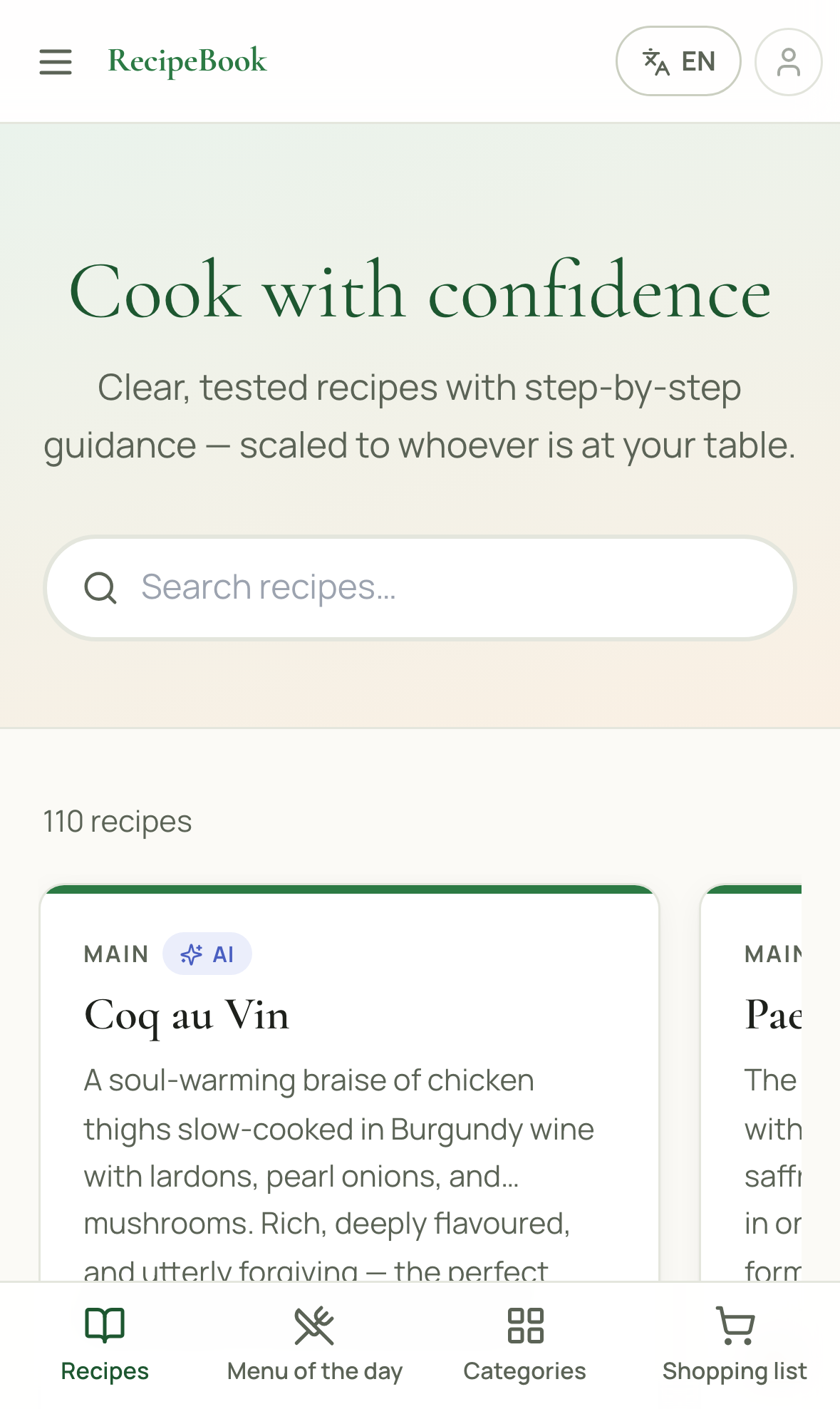
Search for a recipe
Type an ingredient, a dish name, or even a cuisine into the search bar on the home page. RecipeBook finds matches even with a typo or a missing accent.
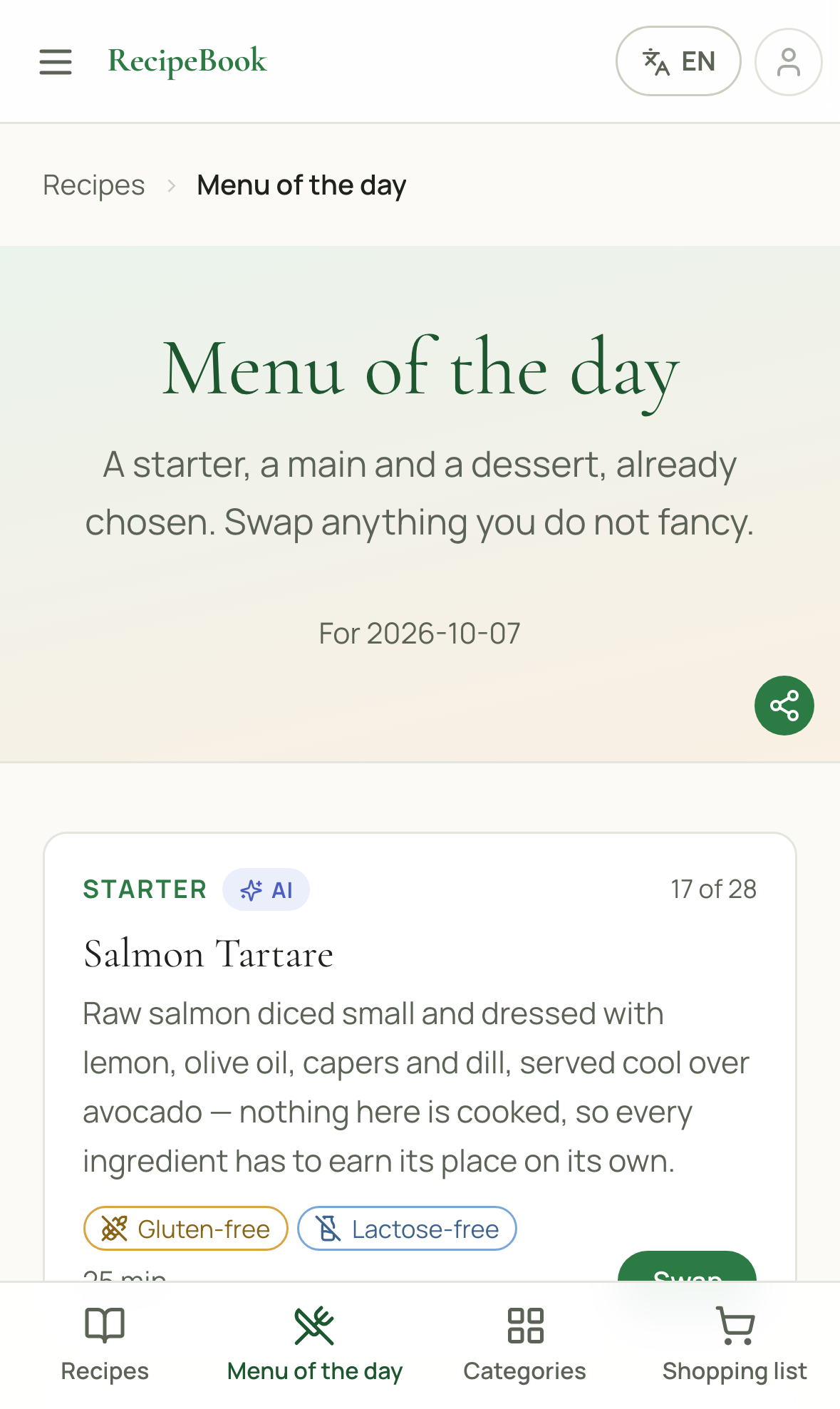
Let the menu of the day decide
No idea what to cook? Open "Menu of the day" for a ready-made starter, main and dessert. Don't like one? Tap Swap for another option instantly.
Cook hands-free with Cook mode
Open any recipe and tap "Cook mode" for large, one-step-at-a-time instructions with built-in timers — perfect for messy hands and a phone propped against the counter.
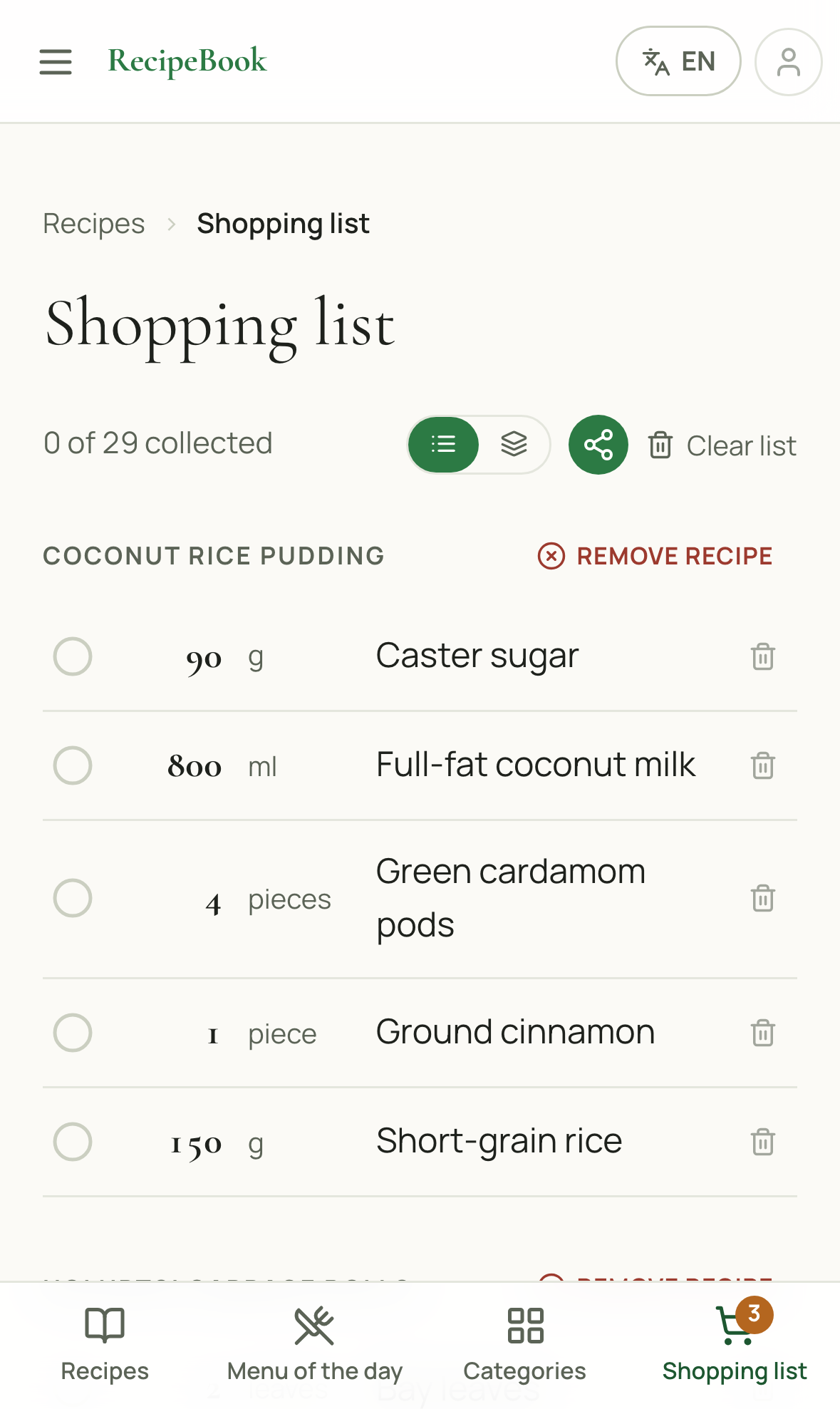
Build your shopping list automatically
Tap "Add to shopping list" on any recipe and every ingredient — already scaled to your servings — lands in one combined list, ready to check off at the shop.
Switch to your language
Every recipe, ingredient and instruction is available in 7 languages. Tap the language switcher in the top-right corner to change it at any time.
Haven't installed the app yet?
See how in under a minute